

Basics
Generate Authorization Token
To get your API token, follow steps below:
-
Log in to your Multiples account here
-
Navigate to lower left corner, click on your username, and select Manage API
-
Click Generate token
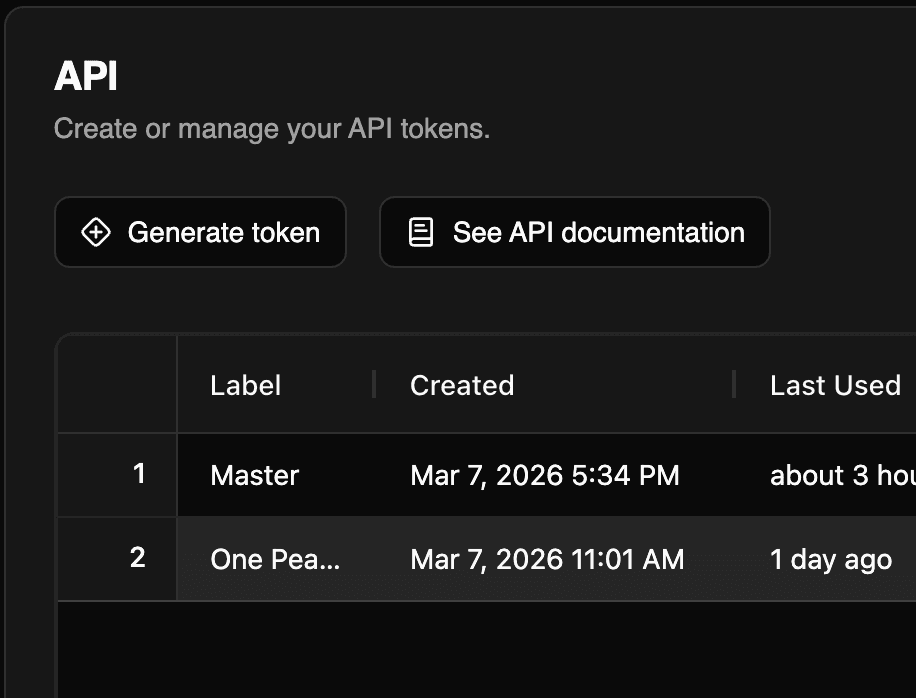
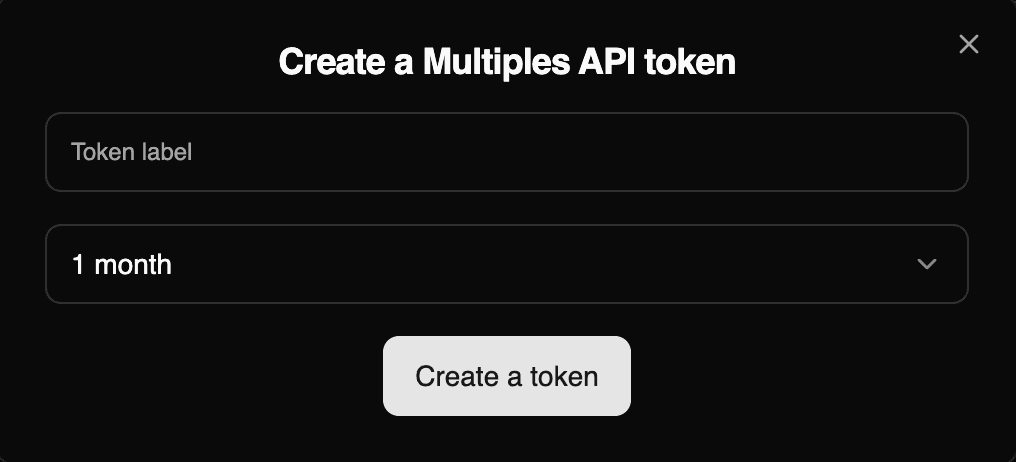
4. Name your token and set validity
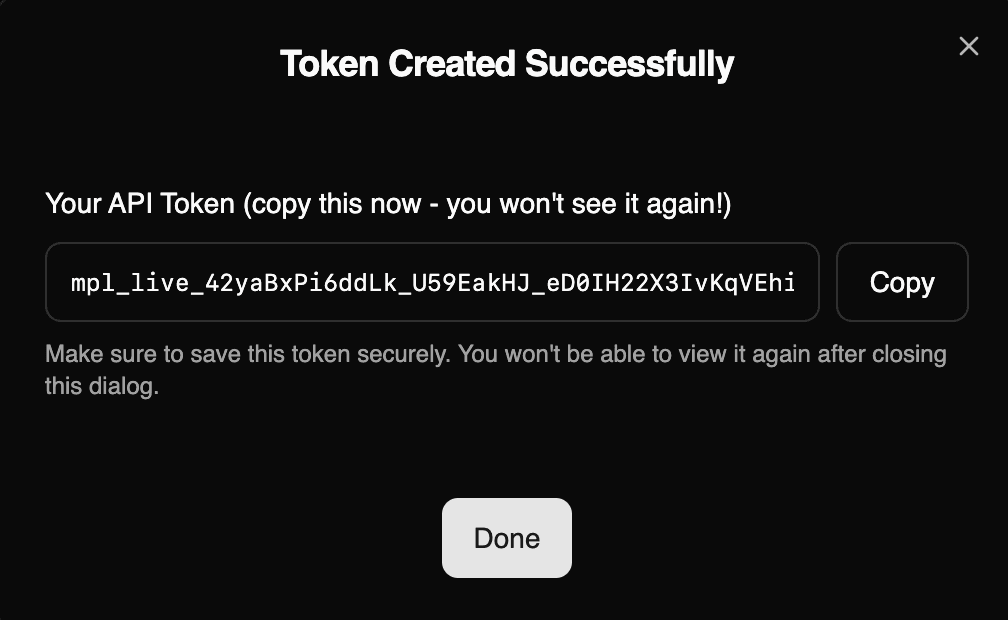
5. Copy your token
Using the token
Send the token in the Authorization header of every request:
Authorization: Bearer <your token>- The same token works on the Public Company API and the Private Data API. The Private Data API is enabled per account: until it is, its endpoints return
403 PRIVATE_API_NOT_ENABLED. Contact us at hi@multiples.vc to enable it. - On a paid plan without API access, Generate trial key creates a trial key that works on both APIs over a sample of the data.
- All of an account's tokens share one rate limit and monthly record quota.
- A missing, wrong, revoked or expired token returns
401or403. See Errors.